


kBox.
How to Get Started.
kBox.
How to Get Started.
Follow the instructions below to get your kBox up & running:
-
Step 1:
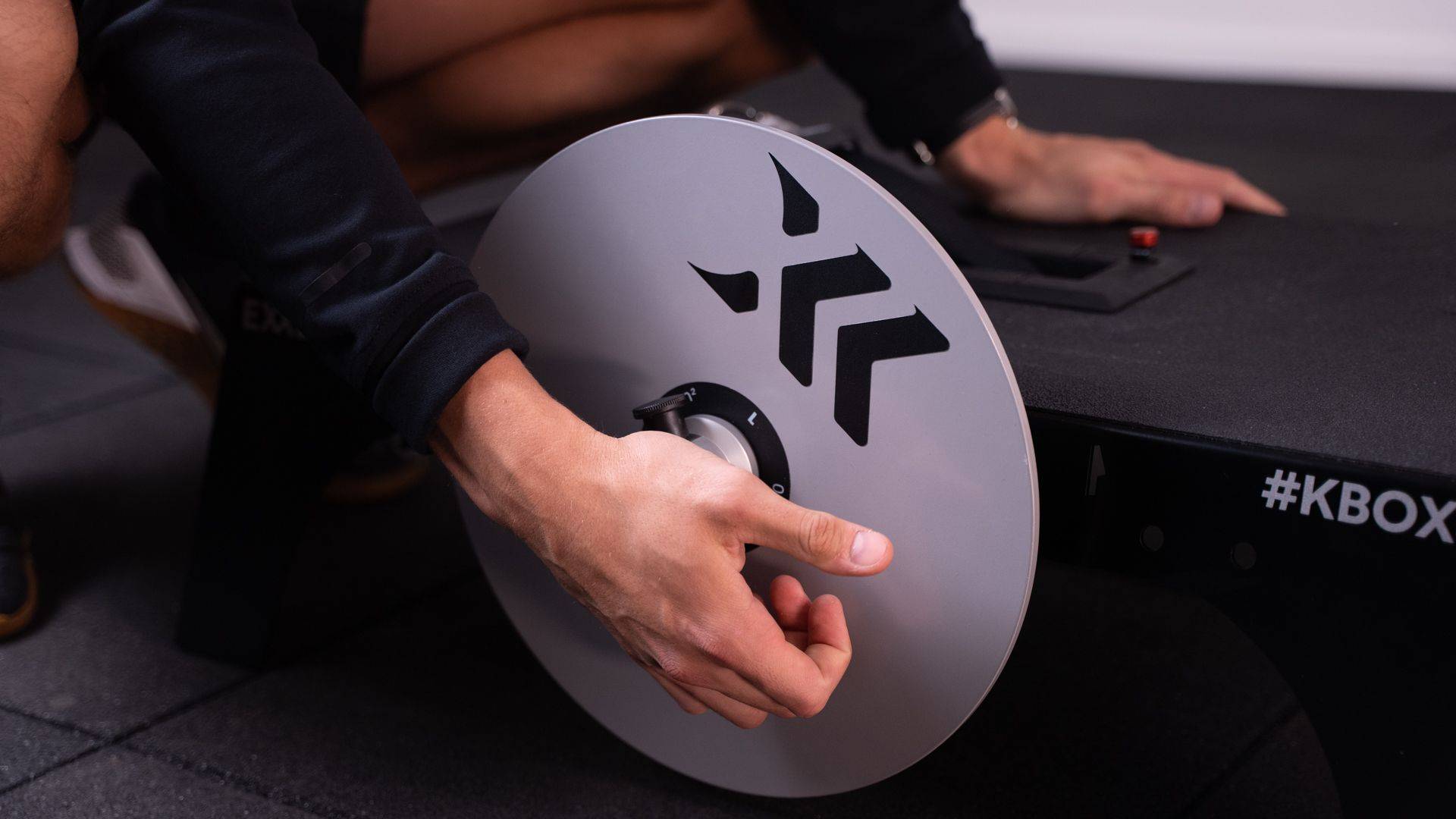
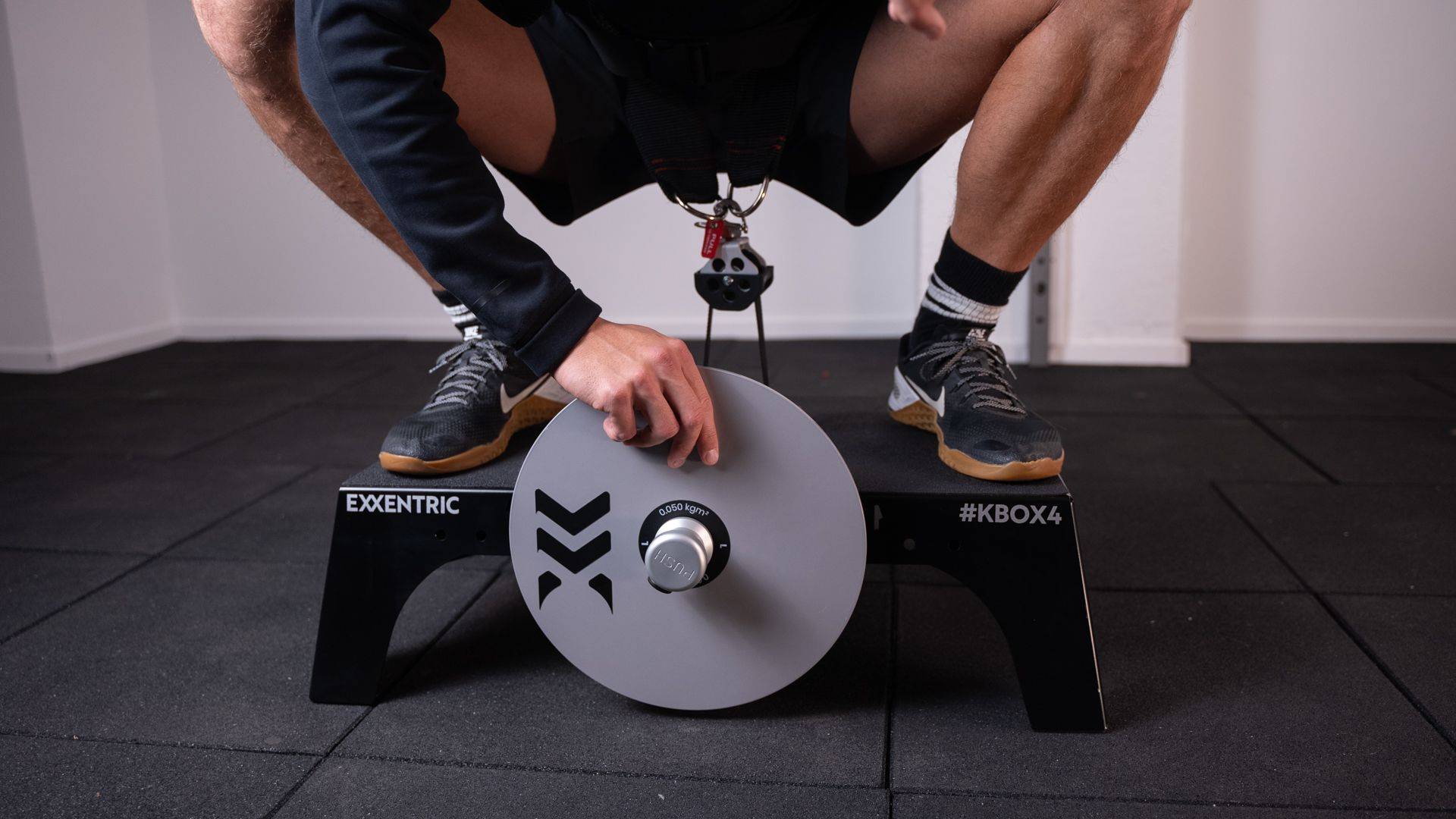
Mount the flywheel and push the knob.
-
Step 2:
Select and attach your accessory.
-
Step 3:
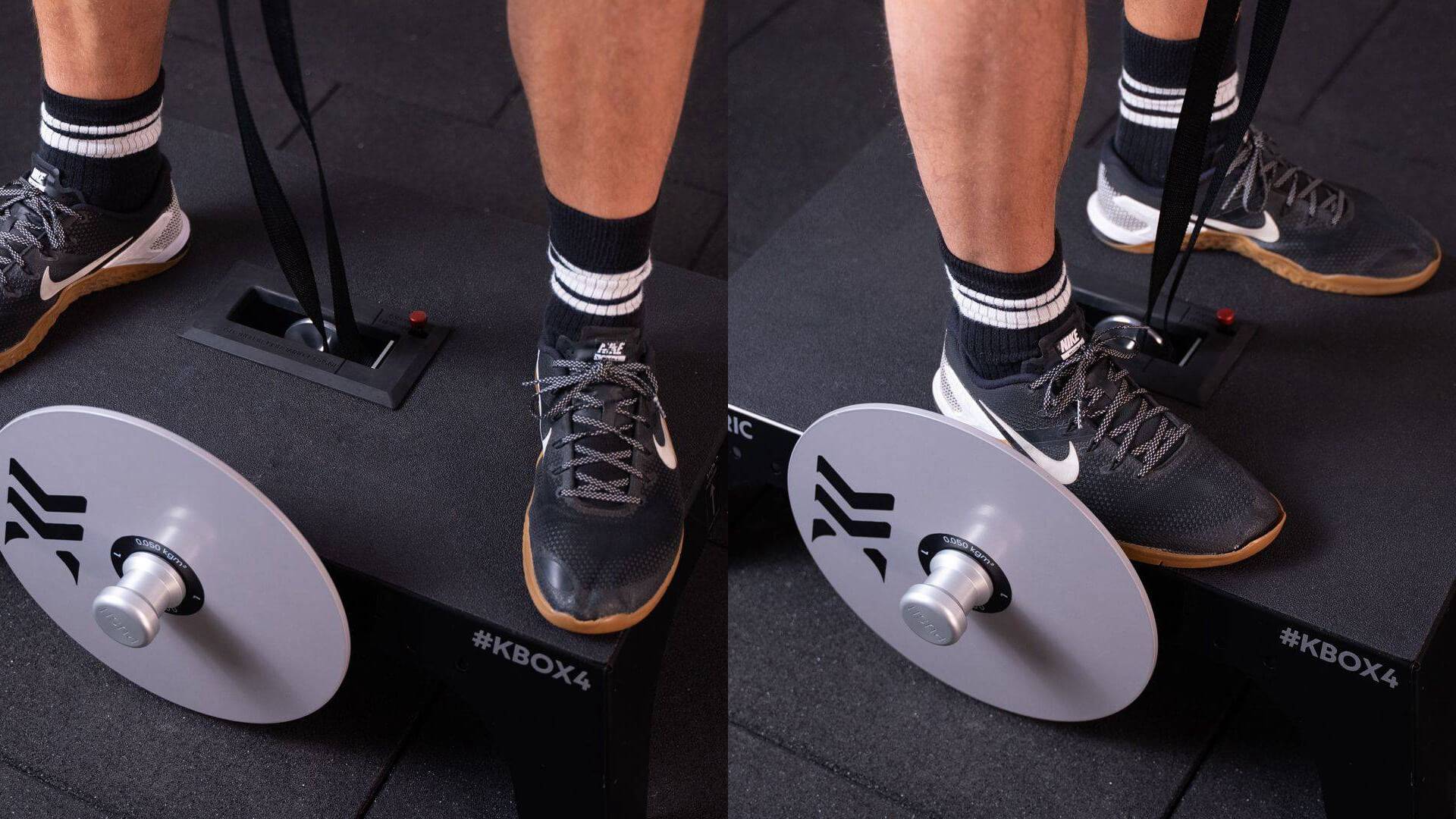
Position yourself on the kBox.
Facing the flywheel or facing the short sides.
-
Step 4:
Adjust the length of the drive belt.
Ensure no belt around the shaft. Push the length adjustment button to release belt length.

-
Step 5:
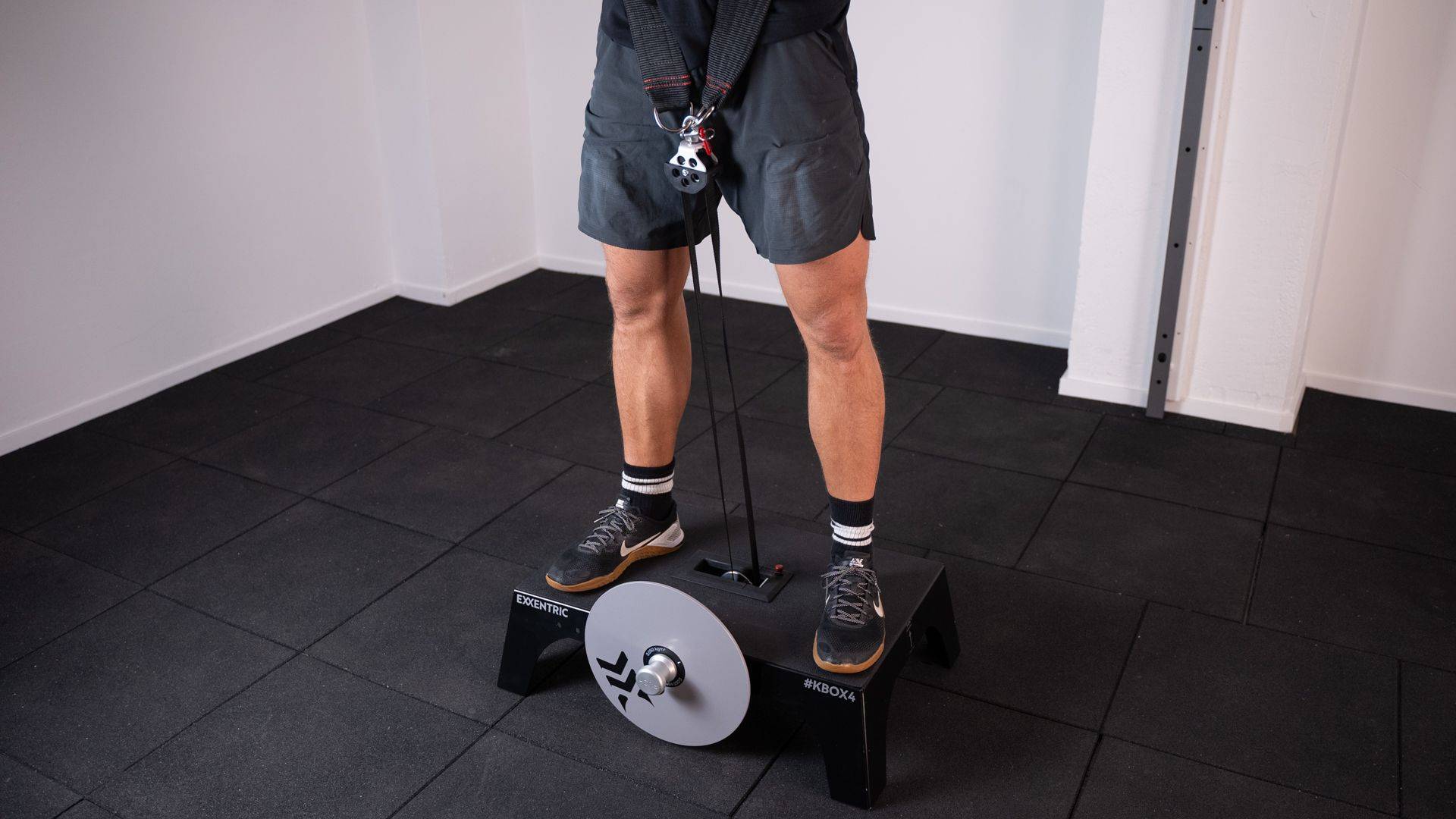
Find your top/end position in the exercise.
Allow the drive belt to fully reach the upper end of the exercise movement.
-
Step 6
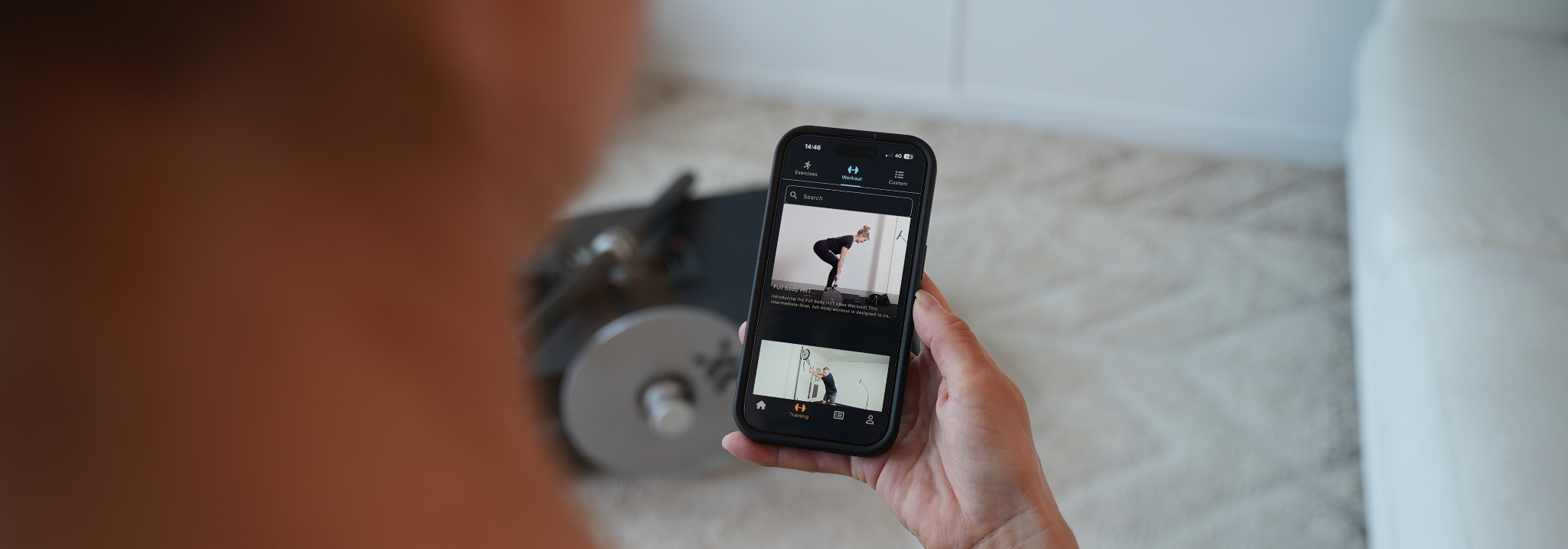
Connect to the Exxentric App to track your training data in real-time.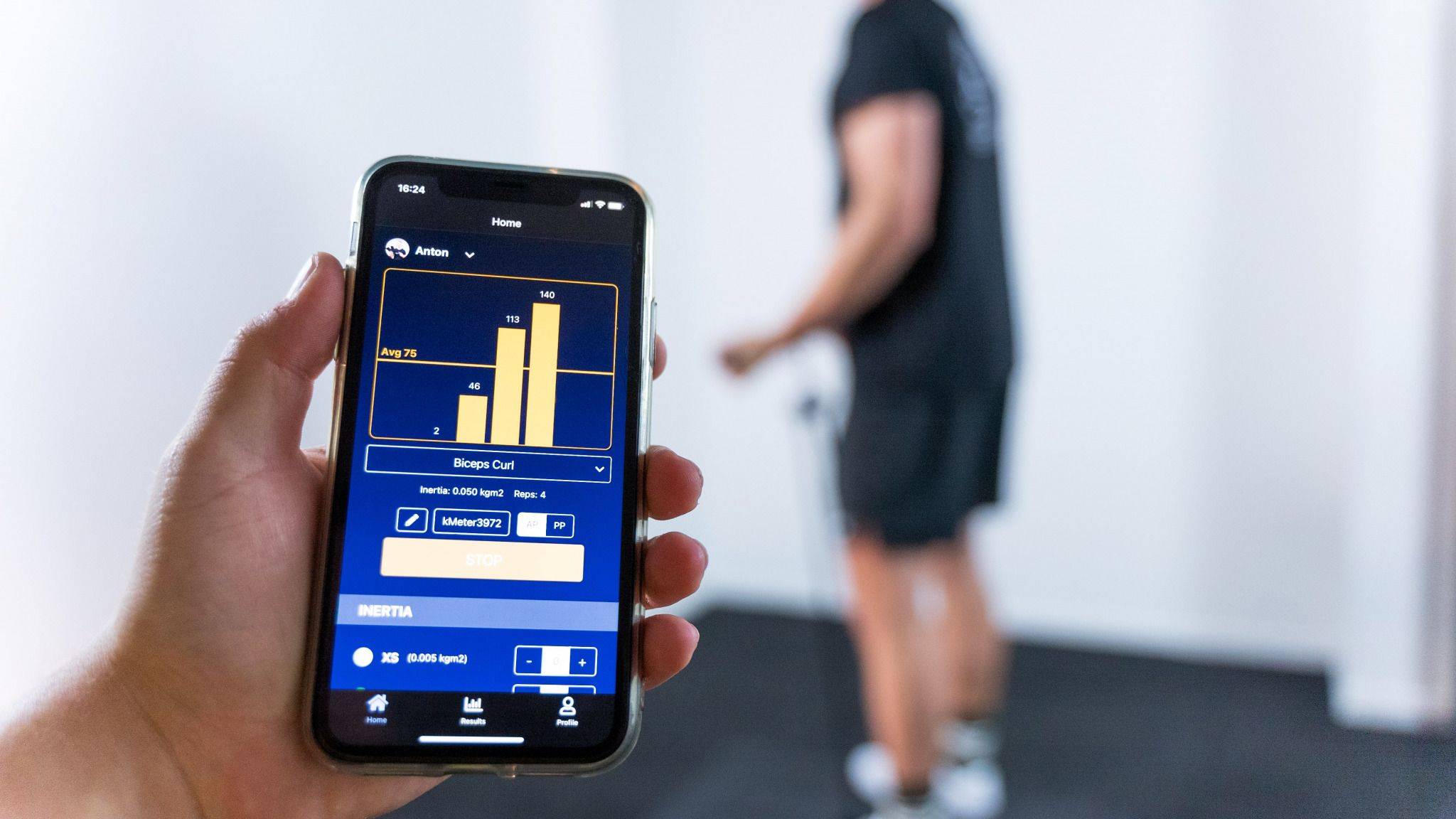
-
Step 7:
Spin the flywheel to start.
Slow down in the bottom position to finish the exercise.

Learn More


We’re on standby to help
with any questions or issues
We’re on standby to help
with any questions or issues